
ScholarChat Portal
Secure access to CustomGPT tools with scholar-friendly limits, institutional controls, and transparent usage reporting.
Pricing
Choose a plan that matches your research pace, with clear daily chat caps and generous monthly CustomGPT allowances.
Starter Pass
$0
✓ Core
✓ 10-chats
Scholar Plan
Choose the plan that matches your research rhythm. Individual scholars can start with a flexible Basic tier that includes a modest daily CustomGPT chat limit for focused queries and literature checks. Power users and graduate researchers may prefer the Plus tier, which raises both daily and monthly chat quotas, unlocks priority processing during peak times, and is ideal for ongoing projects and thesis work. Institutions can opt for Campus tiers that pool a much larger shared quota across departments, with configurable per‑user limits so librarians, faculty, and students all have predictable access. Each tier clearly displays how many chats per day and per month are included, and how usage is counted, so you can see at a glance which level fits your workload and budget.
✓ Saved
✓ 50-chats
✓ Fast-limits
✓ Priority
✓ Email help
Campus Suite
Our pricing is built around transparent usage limits, not hidden fees. Every ScholarChat plan lists three core metrics: maximum chats per day for each user, total monthly chats per account or institution, and any priority support options. Entry tiers focus on affordability, with lower daily caps ideal for occasional article lookups and assignment help. Mid‑range tiers expand monthly quotas for labs and research groups running systematic searches or continuous literature monitoring. Enterprise and library‑wide subscriptions introduce custom quotas, role‑based allocations, and API access for integrating CustomGPT into campus systems. A visual comparison table highlights all access tiers side‑by‑side so you can quickly compare limits, features, and expected usage patterns.
✓ Admin
✓ 200-chats
✓ Role-controls
✓ Usage-logs
✓ SLA support
✓ API
✓ CustomGPTs
Features
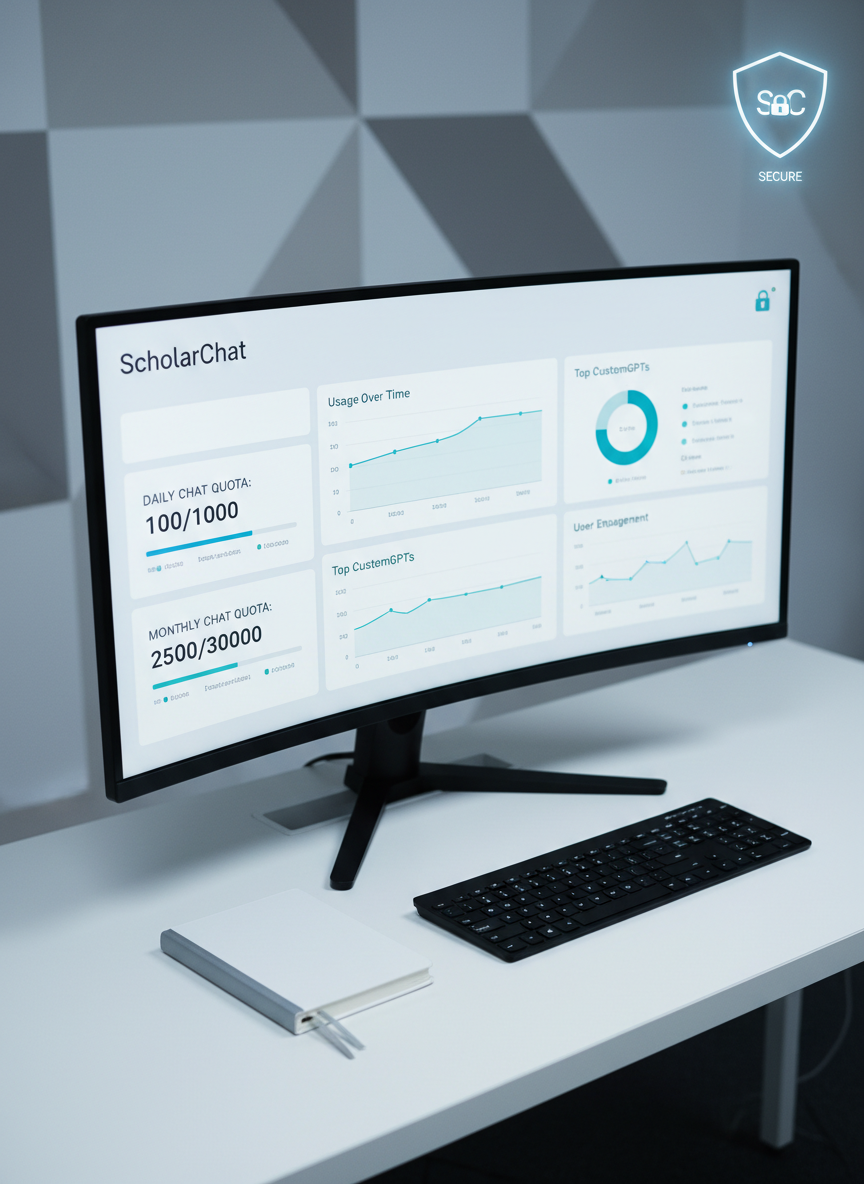
Subject-tuned GPTs for disciplines, persistent conversations, and exportable notes, all governed by clear daily and monthly limits.
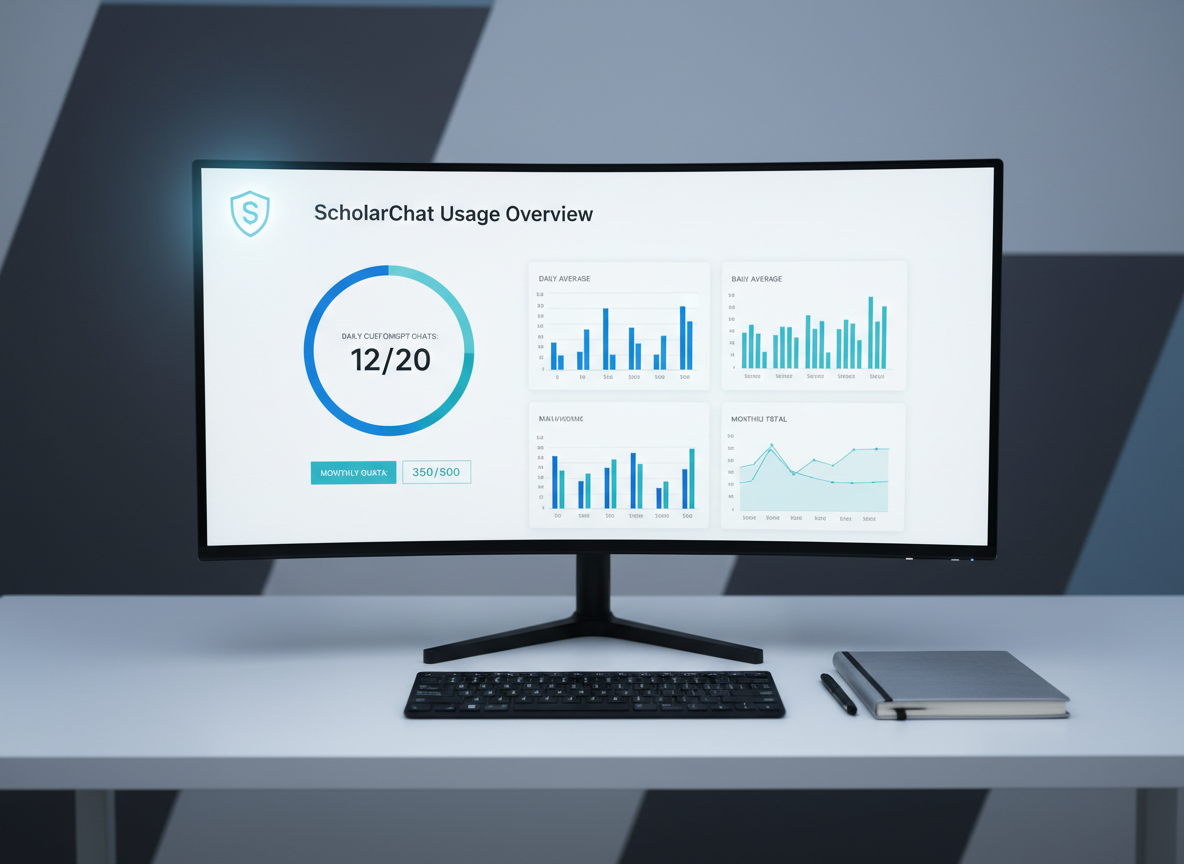
Admins configure institution-wide quotas, monitor engagement, and manage member roles to align CustomGPT access with academic policies.
 ScholarChat Portal